Collect by review count
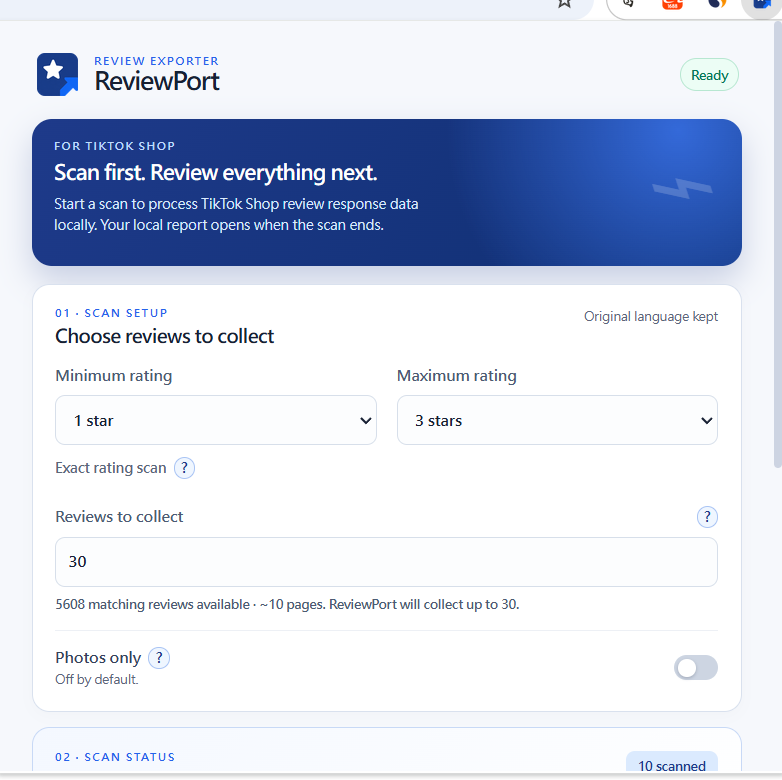
Enter the number of reviews you want. ReviewPort derives a bounded internal page budget from TikTok’s visible matching-review count, rather than asking you to guess a page count.
See the workflowFREE CHROME EXTENSION • LOCAL-FIRST
Set how many reviews you want to collect. ReviewPort works out a bounded page budget from TikTok’s visible count, checks exact-star selections numerically, then saves the local set for Review Studio and optional export.
Desktop Chrome required for installation. You can read the workflow here on mobile, then download the ZIP and use Load unpacked in desktop Chrome.
ReviewPort is local review research. An export is optional—not the whole job.
THE REVIEW WORKFLOW
Enter the number of reviews you want. ReviewPort derives a bounded internal page budget from TikTok’s visible matching-review count, rather than asking you to guess a page count.
See the workflowFor one-to-five-star scans, the visible matching-result count must match that star’s visible histogram count. If it does not, the scan does not start with mixed or unverified results.
See the checkTikTok product specification is kept as Variant, not a Shopify SKU. Product-matching formats need your handle or Product ID, and strict photo limits are disclosed before export.
Read export answersLOCAL REVIEW STUDIO
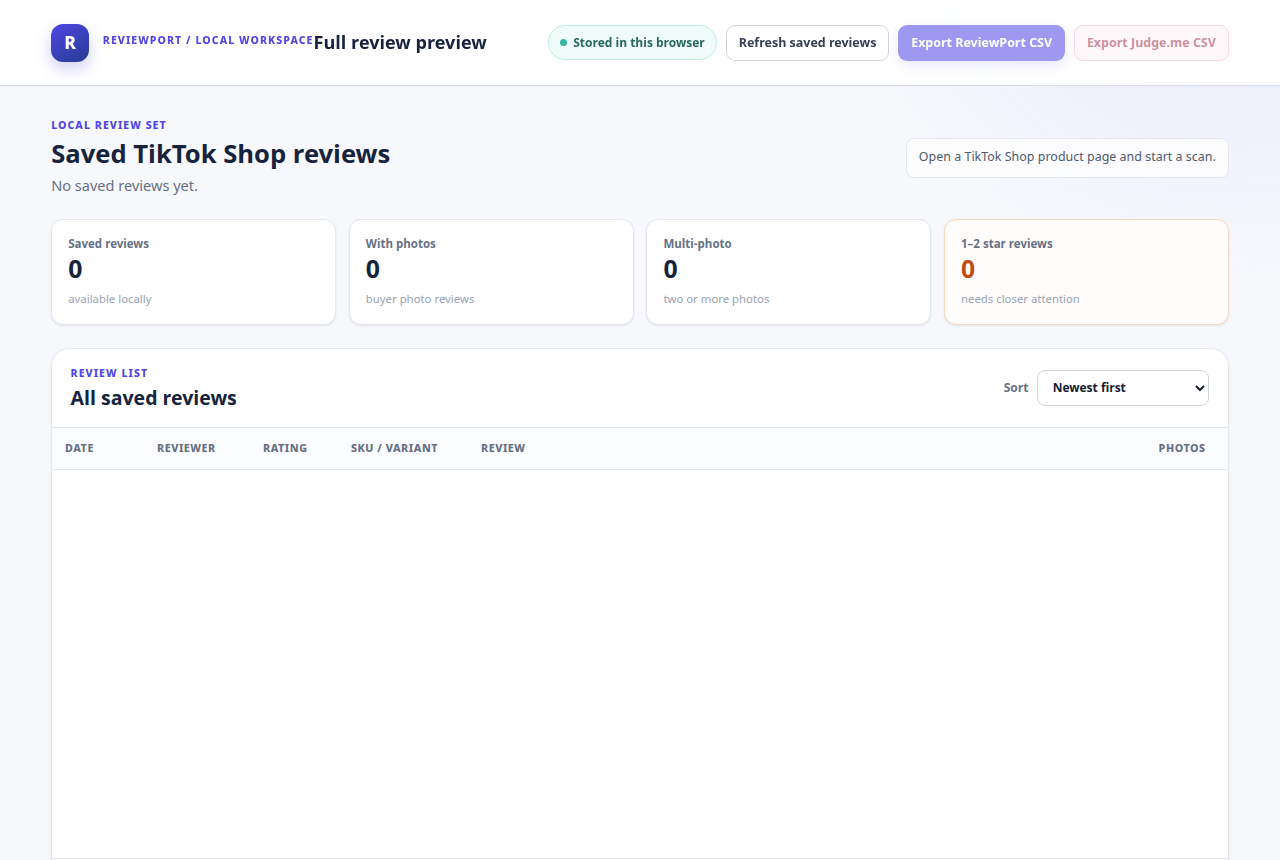
Review Studio uses a clear numeric N / 5 score, keeps saved reviews available after you stop a scan, and opens detail when you need to inspect the original local record. Export Center is on demand: choose a Custom CSV, Markdown, or available Shopify review-app format only when it fits your next step.
WHO IT IS FOR
Narrow a crowded review view to the feedback you want to read closely before you form a product question.
Read the worked exampleCreate a consistent review set for a product or competitor, then continue your work in a spreadsheet.
Read the worked examplePrepare a locally reviewed dataset for manual tagging, theme analysis, or your own AI research process.
Read the worked exampleTHREE QUICK ANSWERS
ReviewPort pauses. Complete the prompt yourself, then continue when the page is available. ReviewPort never bypasses verification.
The visible matching count did not equal the selected star’s visible histogram count, so the scan did not begin with an uncertain filter.
Not always. Product-matching formats require a merchant-supplied handle or Product ID, and fields such as country or verified purchase appear only when TikTok provides them.
START WITH ONE PRODUCT PAGE